
J-Link DSK
J-Link Device Support Kit (DSK) enables silicon vendors and customers to add support for new devices on their own.
1. SEGGER High-Performance Flash Loader
2. J-Link Script Files
3. Third-Party Device Additions
4. J-Link DSK Package
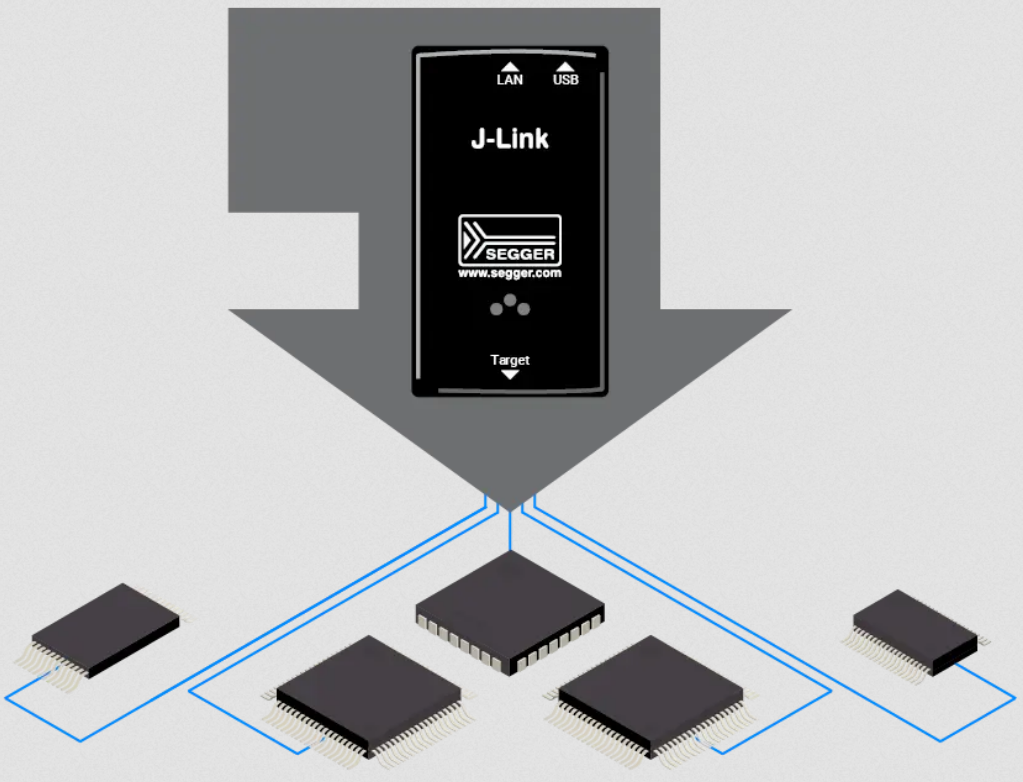
Overview
A new device usually requires a flash loader and in some cases also a script defining special connect and reset sequences, required by the device. While SEGGER maintains the updating of J-Link software with new devices, some devices might be left out in the process. To enable customers to fill in the gaps on their own, the J-Link DSK is offered. To make creating support as easy as possible, the J-Link DSK comes with the SEGGER flash loader as well as a set of example script files for various devices that require special handling.
Key Features
- Available for most cores currently supported by J-Link
- Enables ultra high speed programming of devices not yet added to the support database
SEGGER High-Performance Flash Loader
A core component of the DSK is the SEGGER high-performance flash loader. It is responsible for the setup of the device for accessing flash memory via the debug interface of the microcontroller. The flash loader is a piece of code tailored to the supported device that is temporarily downloaded into RAM. It performs the programming of the flash.
Once a flash loader has been added for a new device, it is used by the J-Link Flash Download feature and flash download is available in all J-Link utilities (J-Link Commander, J-Flash, ...). The flash loader also enables the unlimited number of breakpoints in flash feature for the device. Direct download into flash memory via an IDE / Ozone is available as well.
Bottom line: The flash loader makes the flash download support behave as if device support had been added by SEGGER directly.
J-Link Script Files
Some devices require special connect/reset sequences which are not covered by the generic sequences J-Link uses by default. For such devices, a J-Link script file may be needed to have proper device support in J-Link. The J-Link DSK includes example of J-Link script files for various devices that require special handling.
Third-Party Device Additions
Silicon vendors or project managers who have device support files for new devices may require a way to distribute the files that include the support. The files can either be copied to the hard drive of the end user or added by simply running an installer. The J-Link DSK comes with a template for an installer setting this up within Microsoft Windows.
Welcome Page of SEGGER High-Performance Flash Loader Installer

J-Link DSK Package
J-Link DSK includes everything which is needed to add support for a new device to the J-Link software.
| Name | Description |
|---|---|
| Flash Loader Templates | SEGGER flash loader templates (at least one for each CPU architecture supported by the DSK). These can be used as a basis for SEGGER flash loader development. |
| Reference Device Entries | Folders and files demonstrating the structure required for the J-Link software to recognize and list a device added via the DSK. It includes source code examples for SEGGER flash loaders of the following devices: - GigaDevice GD32VF103 - Renesas RZ/A3UL - Renesas RZ/T2M - ST STM32F407VE |
| Installer | Source files and a build script for creating a custom Windows installer. The installer can be provided to end customers for automatically setting up everything necessary to integrate a device that was added via the DSK to an installation of the J-Link software. |
| Support | Includes 6 months of free support (2h) and updates. |